

Last month I watched a YouTube video discussing various nifty, fancy keyboards. One was the ND104 from Chilkey, the main selling points for which are that it’s solidly constructed and has the option for whisper-quiet key switches. Given that my appreciation for good old-fashioned “clacky-clack” mechanical keyboards has waned in recent years, I perked up at this. I’m not wild about announcing my keyboard activity to the whole house, and even less so about announcing it when it’s game time, chatting or streaming especially.
So I pulled the trigger on purchasing what is, essentially, a birthday present to myself. Mind you… I did this just before Lunar New Year, ordering a Chinese piece of hardware. D’oh. Cue a two-week wait for the shipping stuff to actually happen…
At any rate, the aluminum brick with keycaps stuck on it has arrived.
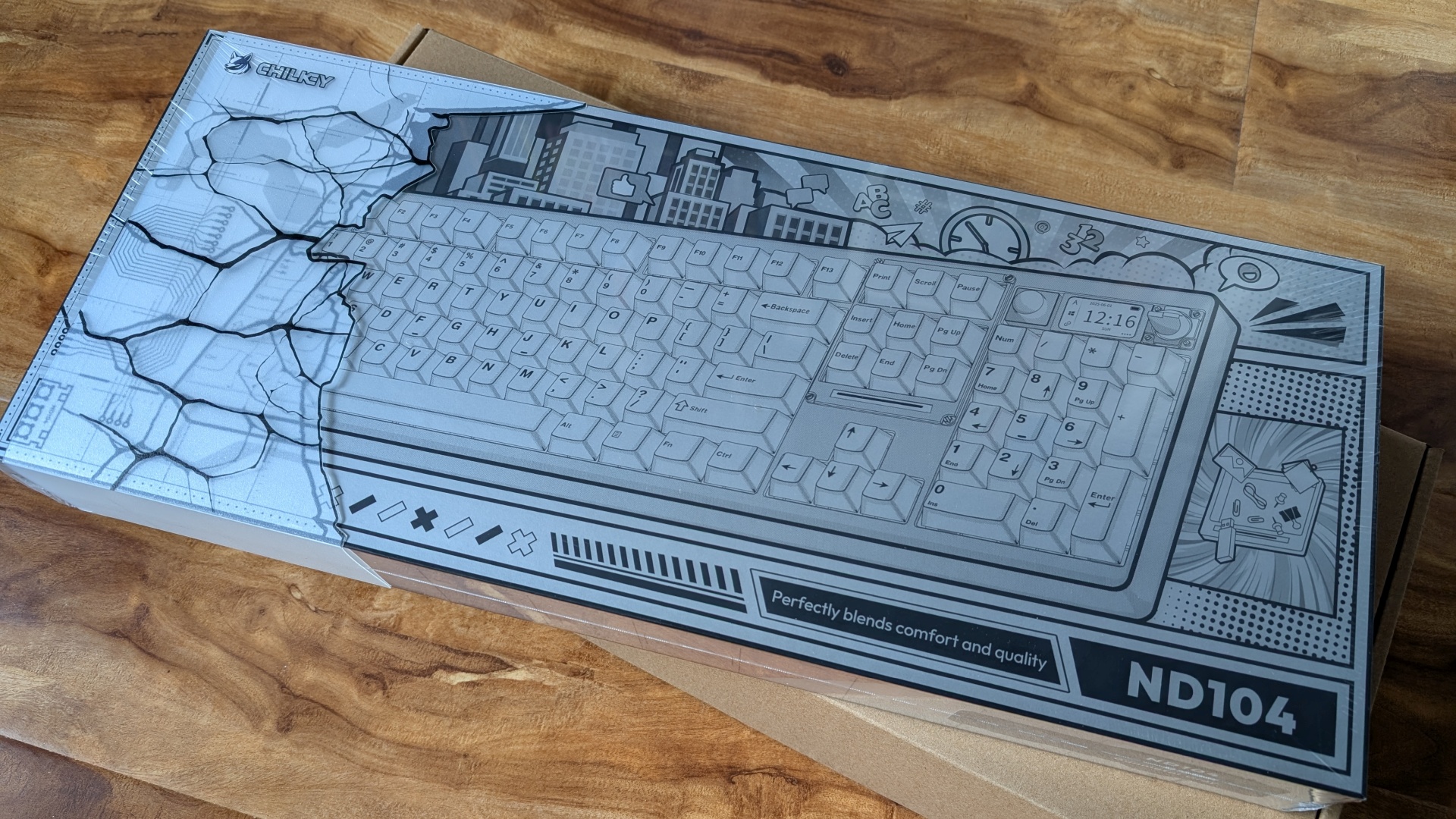
Seriously. For the size of the box, I just wasn’t expecting the sheer heft. That’s the sign of quality construction, right? Right.
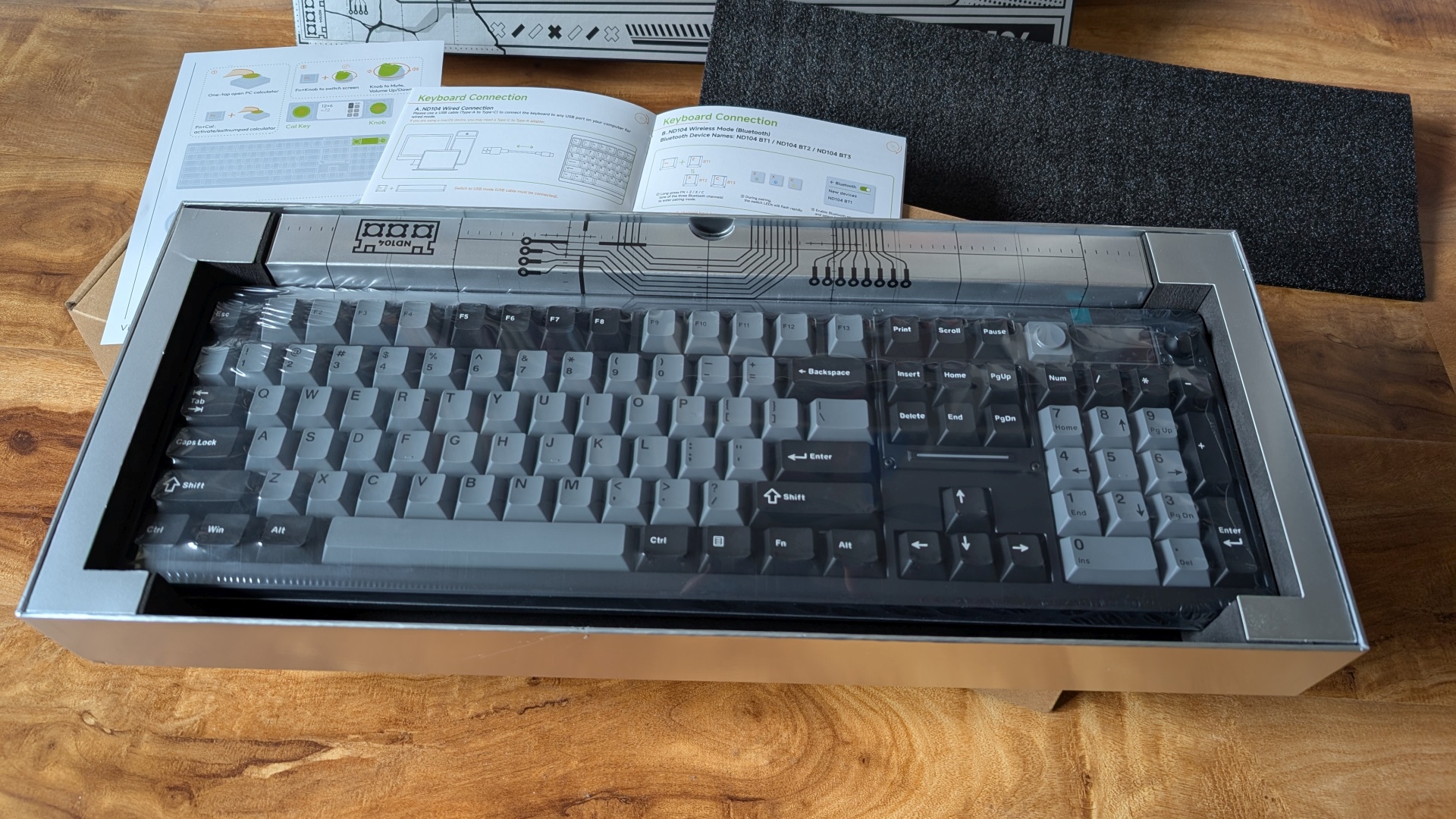
And it looks so crisp and pristine in its plastic wrapping! Too bad this spiffy new device is going onto my perpetually-dusty desk…
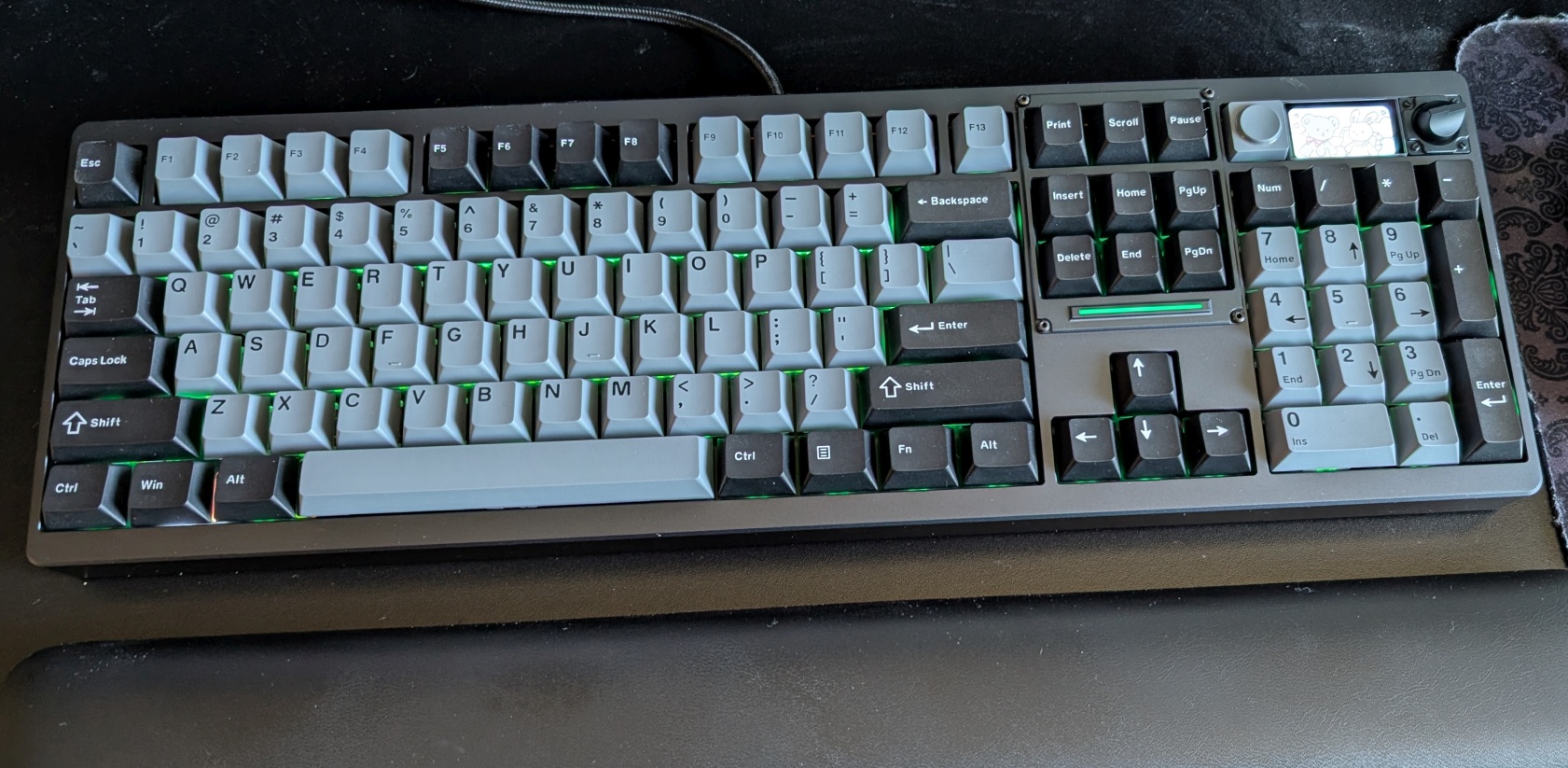
Technically I probably could have used the same cable as was already in place for the Kensington (USB-A at one end, USB-C at the other) but it felt wiser to just use the equipment it came with.
So… after all that, how is it?
Mechanically it’s superb. I love typing on it, the keys are as quiet as I hoped for and it doesn’t feel “mushy” or like I’m not getting enough feedback. The RGB-ness is subdued; this isn’t a “gaming keyboard” per se. I haven’t figured out what I’m going to program the “summon Calculator app” button for, yet, but in the meantime having a “summon Calculator app” button isn’t the worst idea. (I play Satisfactory. Go on, ask me how often I do math-y things. And yes, there’s an in-game calculator function but it shares UI space with the entire rest of the in-game codex, so that’s not always practical.) The volume knob works as intended, each “tick” moving the main computer volume option up/down two integer values, which suits me fine.
What, right out of the gate, am I less wild about? Uh, for starters… I had to swap two keycaps almost immediately. Look closely at the above image and see if you can spot them. Quality Control, folks! Also, in order to do actual customization you must load a particular web URL into a Chrome-based browser… Firefox’s engine will not do. And even then, apparently there’s a known bit of finicky behavior when it comes to customizing the images you can choose to display on that little LCD screen next to the volume knob. (I tried two different images, meeting the required specifications, and… nothing. Zilch. No love.)
So… literally three hours in and I already have some minor frustrations. But they are indeed minor. I don’t care if the screen ends up staying on “clock” mode or “weather” mode all of the time, really. The keycaps are easy to pull and swap, no big deal there. The device does what I paid for, superbly. At the end of the day, that’s all I really wanted. Everything else is irrelevant.
Would I recommend this keyboard? Yes… but keep in mind that it’s not cheap. I blew my “playing around” budget for a couple of months on this, and that’s without accounting for the surprise import duty cost that nobody bothered to mention up-front. I sure hope this thing lasts for a decade or so, because… oof.
In the meantime, though: It’s a joy to use. I’m glad it’s here.
Now I just need to find something to cover it at night to keep at least some of the dust out. (The Kensington came with a dust cover, and no, it doesn’t fit the Chilkey properly at all. Alas.) I know we’ve got some tea towels stashed various places around the house…